Breaking: Aerion Email Client Launches with Independent Security Verification
A new open-source desktop email client called Aerion has entered the market, boasting a CASA Tier 2 security certification—a rare distinction for indie projects. This certification, assessed by TAC Security under Google's App Defense Alliance, ensures the codebase meets OWASP ASVS standards. The lightweight client, built with Wails and Svelte, aims to replace bloated alternatives on Linux and beyond.
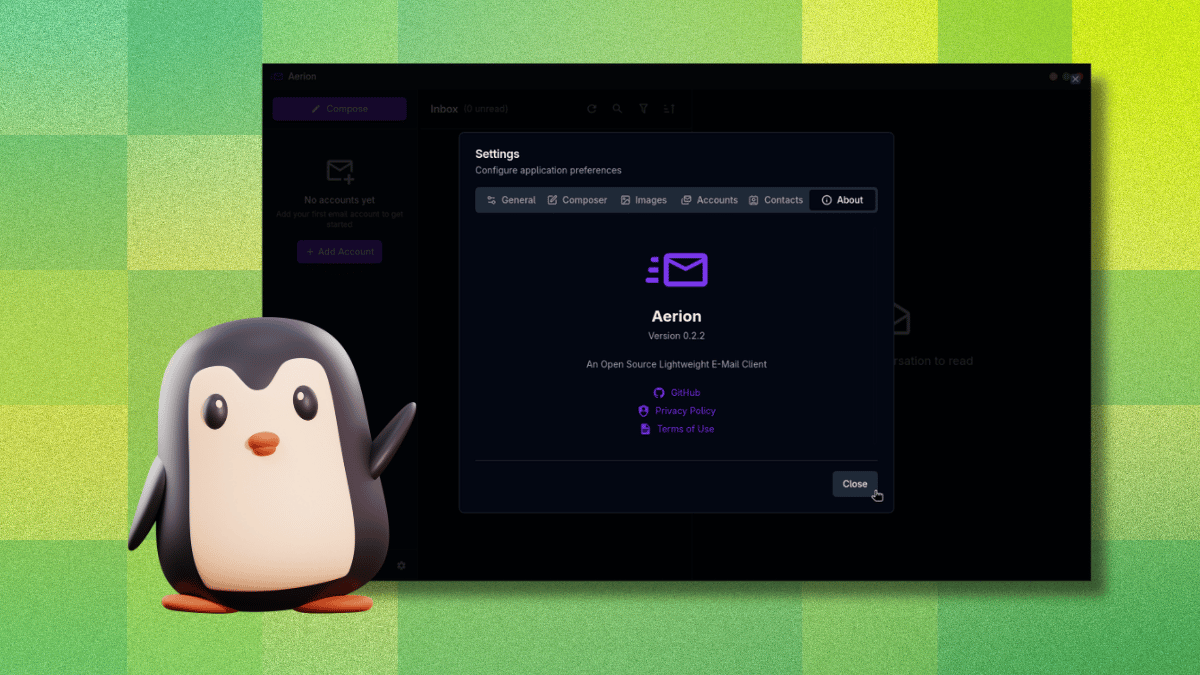
"We wanted to create an email client that respects system resources without sacrificing essential features," said the lead developer in a statement. "The CASA certification was a priority to build trust with users handling sensitive email credentials."
Background: The Desktop Email Client Revival
Desktop email clients have seen a resurgence as professionals seek to manage multiple accounts without browser tabs. Traditional options like Thunderbird have long served this role, but newer tools emphasize leaner code and modern interfaces. Aerion takes inspiration from GNOME's Geary project, focusing on a clean UI and resource efficiency.
The project is sponsored by 3DF, which covers infrastructure and HR costs. Developers emphasize that Aerion remains pre-release software, urging users to expect occasional rough edges.
Key Features and Supported Providers
Aerion supports multiple accounts, conversation threading, a WYSIWYG composer powered by TipTap, contact sync via CardDAV/Google/Microsoft, and vim-style keyboard shortcuts. It works with Gmail, Microsoft 365, Proton Mail (via Proton Bridge), iCloud, GMX, and generic IMAP/SMTP. Yahoo, Fastmail, Zoho, AOL, and Mail.com are listed but untested.

Setup Experience: Smooth but with a Catch
Adding a Gmail account proved seamless: OAuth flow hands off to the browser, then returns authenticated. However, a critical UX flaw emerged: clicking outside the "Add Email Account" window dismisses it without warning, discarding all progress. "That was frustrating," noted an early tester. "No confirmation prompt, just gone."
What This Means for Users
Aerion represents a shift toward security-first indie software in the email client space. Its lightweight nature appeals to users tired of Electron-based memory hogs. The CASA certification offers reassurance for privacy-conscious individuals managing multiple accounts. However, the pre-release state and UI glitch mean early adopters should proceed with caution.
For Linux desktop users, Aerion fills a gap between minimal clients and full-featured suites. Its vim-style shortcuts and WYSIWYG composer cater to both power users and those seeking simplicity.
Availability and Future Outlook
Aerion is available now as a free download. The team plans to refine the UX and expand tested provider support before a stable release. Learn more about the project's origins or explore supported features.